 NomadVibes

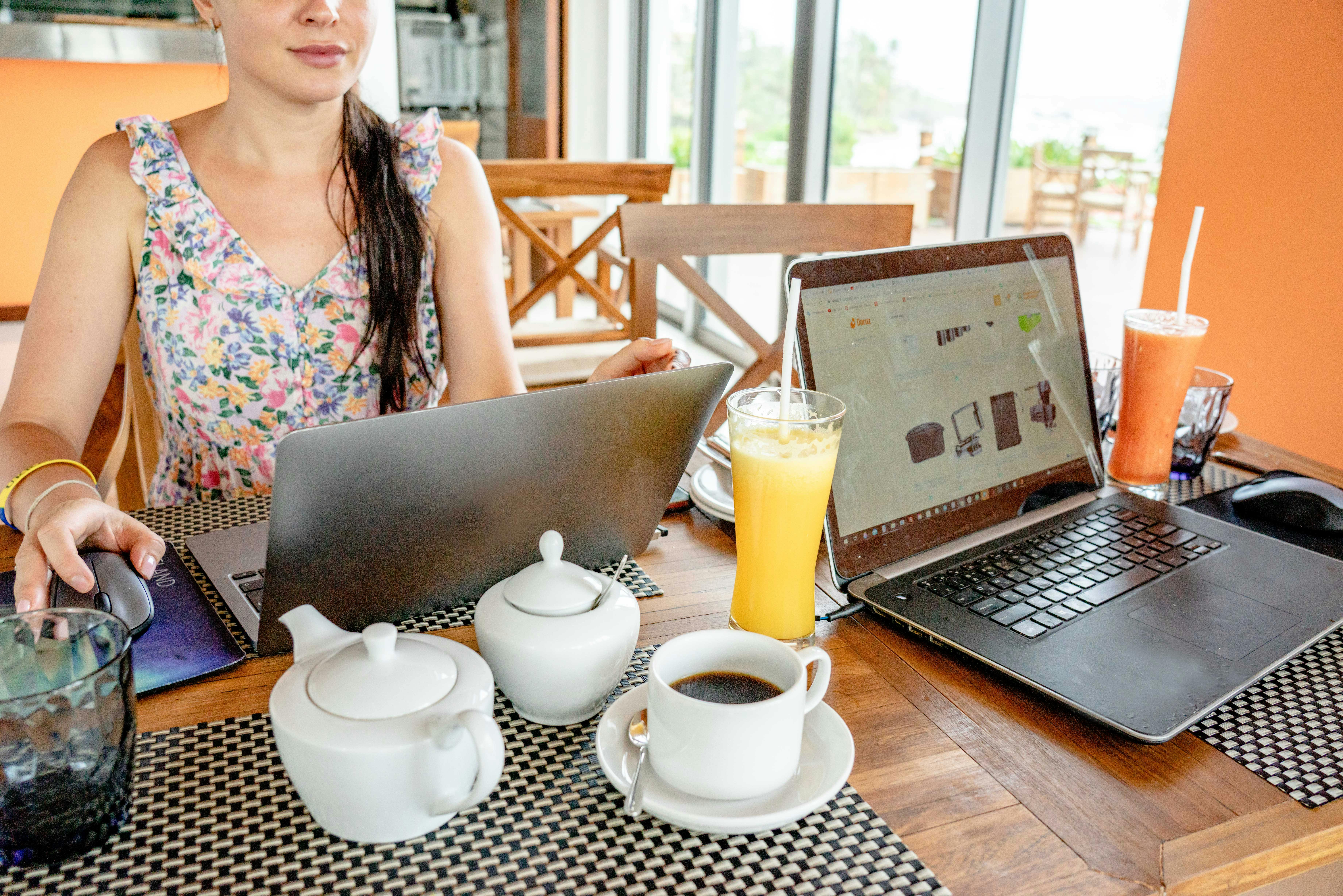
Single Laptop Screen: How It Harms Your Remote Productivity
Quick read below — save or share if useful.
Digital nomads often relish the freedom and flexibility that remote work brings. However, one common factor that can hinder productivity is working on a single laptop screen. While it may seem convenient, this setup can negatively impact efficiency and focus. In exploring how relying on a single screen affects remote productivity, we’ll uncover some practical insights and provide strategies to enhance your work experience on the road.
Understanding the Issue
When working remotely, many individuals find themselves switching between applications and documents frequently. This habit, often referred to as "alt-tabbing," can disrupt the flow of work and diminish concentration. The more time spent swapping between apps, the less time remains for actual productive work. By confining yourself to a single screen, you significantly limit your ability to multitask effectively. This limitation can create a frustrating experience, especially when you have to manage multiple communication channels, files, and projects simultaneously.
The Impact on Productivity
Using a single laptop screen imposes constraints that may hinder your productivity in several ways:
- Increased Cognitive Load: Constantly switching between tasks can lead to mental fatigue, making it harder to maintain sharp focus.
- Fragmented Attention: Each task switch requires a mental reset, which can reduce overall efficiency.
- Reduced Workflow Clarity: More time spent navigating between applications means less time spent on high-value tasks.
Enhancing Your Setup
To combat the downsides of a single laptop screen setup, consider adopting a more versatile workspace. Here are a few adjustments that can help you maximize your productivity:
- Utilize External Monitors: If possible, add external displays to your setup. This allows you to view multiple applications and documents side by side, streamlining your workflow.
- Split-Screen Functionality: Many operating systems offer split-screen features that can help you use multiple apps on a single screen, providing visibility without the need for drastic screen changes.
- Organize Your Workspace: Keep your digital workspace organized. Create folders for different projects and use desktop shortcuts to minimize time lost in navigation.
Travel-Friendly Solutions
As a digital nomad, your workspace often changes based on location. Here are some travel-friendly tips to maintain productivity:
- Portable Monitors: Consider investing in a portable monitor that can easily fit into your travel bag. These can expand your screen real estate without adding significant weight.
- Cloud-Based Tools: Use cloud-based applications to ensure you can access your work from any device, reducing dependency on your laptop setup.
- Wi-Fi Efficiency: Choose workspaces with reliable Wi-Fi to minimize disruptions that can lead to frequent distractions while working on a single screen.
Fostering Better Focus
Beyond physical changes, fostering better focus from within is crucial. Here are some mindful practices to help improve your remote work productivity:
- Set Clear Boundaries: Define your working hours and stick to them. This helps in creating a routine that distinguishes between work and leisure time.
- Implement Time Management Techniques: Techniques like the Pomodoro Technique can help you maintain focus by working in short bursts followed by brief breaks.
- Practice Mindfulness: Consider mindfulness exercises to help improve your concentration and reduce the stress that comes from constant task-switching.
FAQ
How does a single laptop screen affect my efficiency? A single laptop screen increases the frequency of task-switching, leading to cognitive overload and reduced efficiency, ultimately hindering productivity.
What are some quick tips for improving remote work productivity? Use external monitors if possible, employ cloud tools for seamless access, and establish a structured work routine to minimize distractions.
In conclusion, while working on a single laptop screen may seem practical for some, it can lead to significant productivity drains for remote workers. Understanding the limitations and implementing strategies to enhance your workspace can dramatically improve your efficiency on the road. Embracing a more flexible approach to your remote work setup is essential for maximizing both productivity and the enjoyable lifestyle that comes with being a digital nomad.
Written and edited by Ciro Simone Irmici. More about who writes here: About the author.

I'm an Italian creator who builds apps, games and websites. I run NomadVibes with the help of AI tools: every article starts from the sources linked above, and I check what goes out. I'm not a doctor, a lawyer or a financial adviser. Spotted a mistake or have an idea? Write to me.
Instagram @spartaco_94_My websiteWrite to meAbout this blog









 Pronunciation Perfection: How to Sound Like a Native Speaker
 Reinventing Yourself After 40: A Guide to Embracing Change and New Beginnings
 Personal Branding for Introverts: How to Shine Without Shouting